


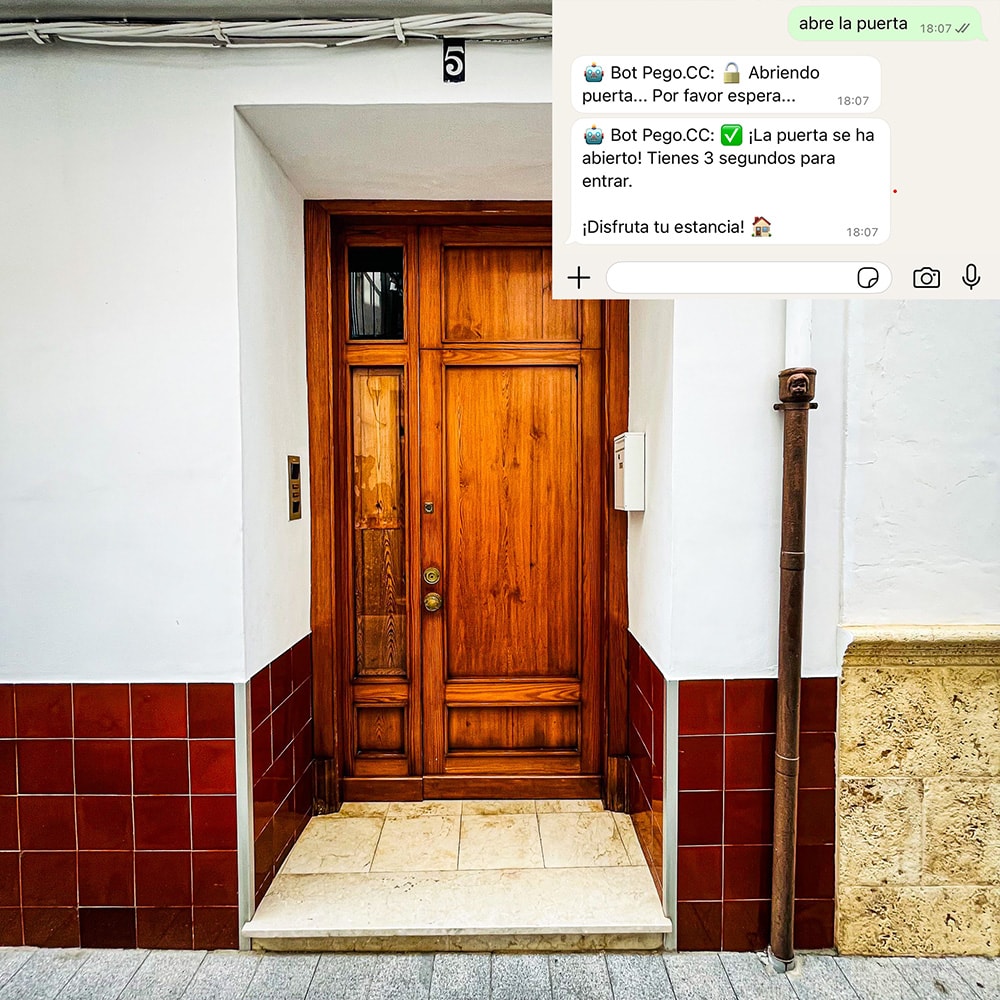
After approaching the main entrance door to the building, send a message “open the door” on WhatsApp at +34 961 167 350
After a few seconds, the door’s opening mechanism will activate – you should then gently push
To quickly open the chat, you can click this link: https://wa.me/34961167350
Warning: this works only from the phone number provided at the time of booking (e.g., on Booking.com).
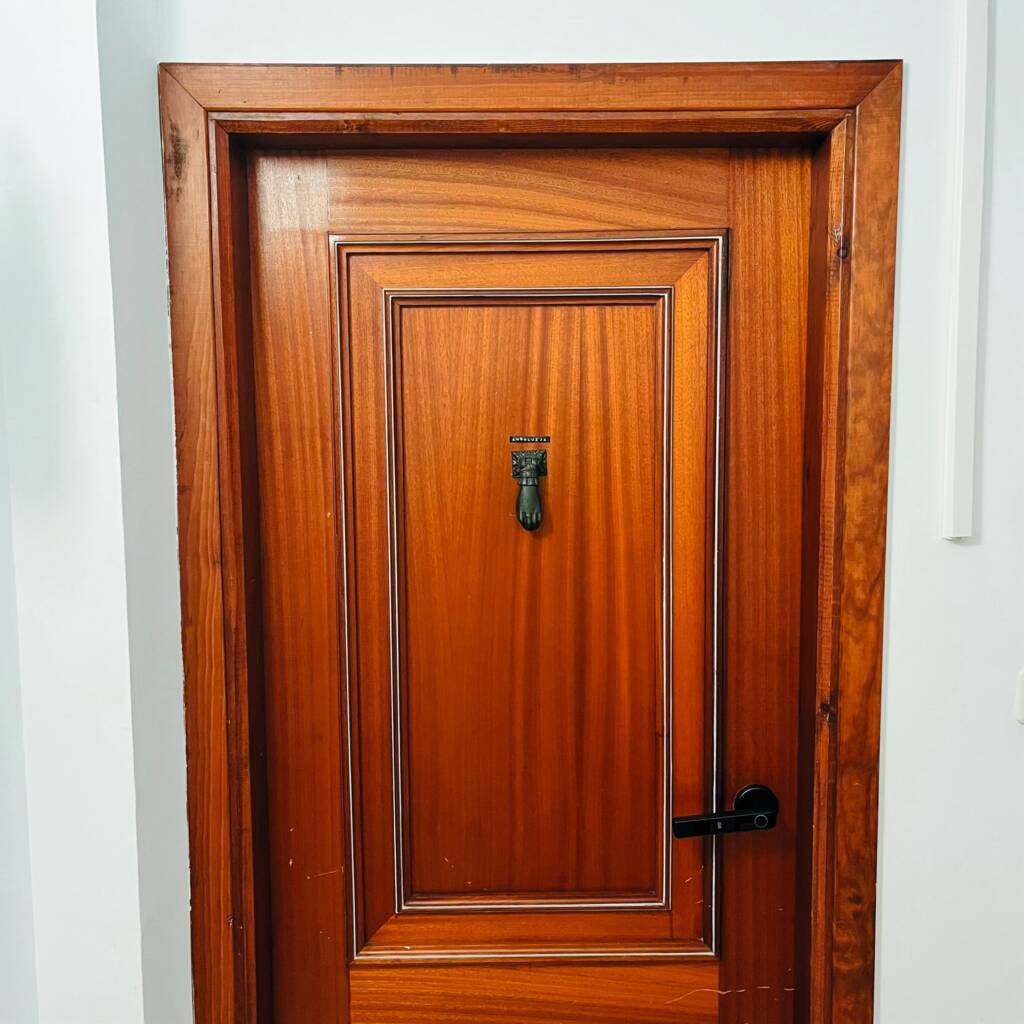
Andaluz Apartment – 1. floor
Iberia Apartment – 2. floor
Apartment Norte – 3. floor
Touch the handle to illuminate the keyboard
Enter the lock code assigned to your reservation, and then tap the # symbol.
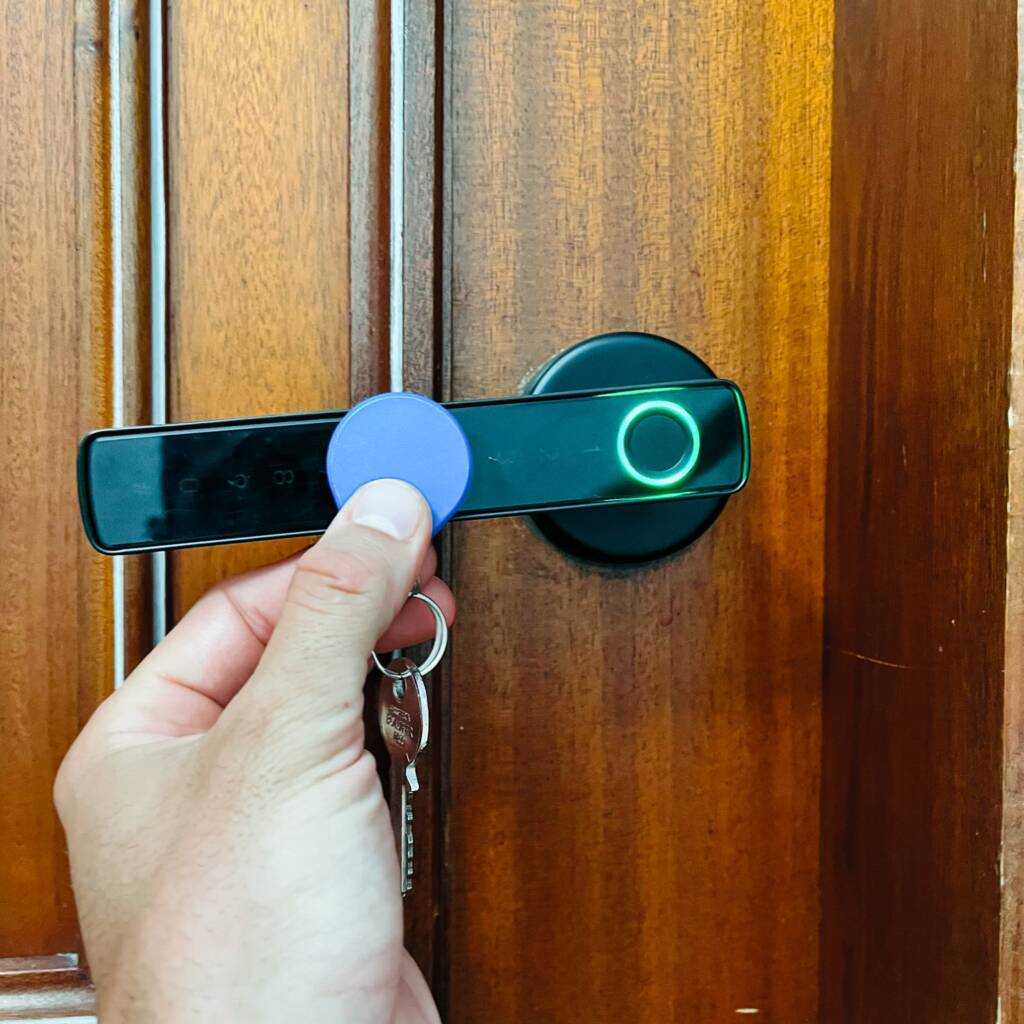
When the light on the handle turns green – open the door
The lock will lock automatically after a few seconds
If you have not received the code for the lock, please contact us
The apartment has keys with blue chip
The key is used to open the main door downstairs – it will be useful for people whose phone numbers were not assigned to the reservation
The blue chip located next to the keys is used to open the door to the apartment – put it in the middle of the handle, in the place marked with a white icon “CARD”
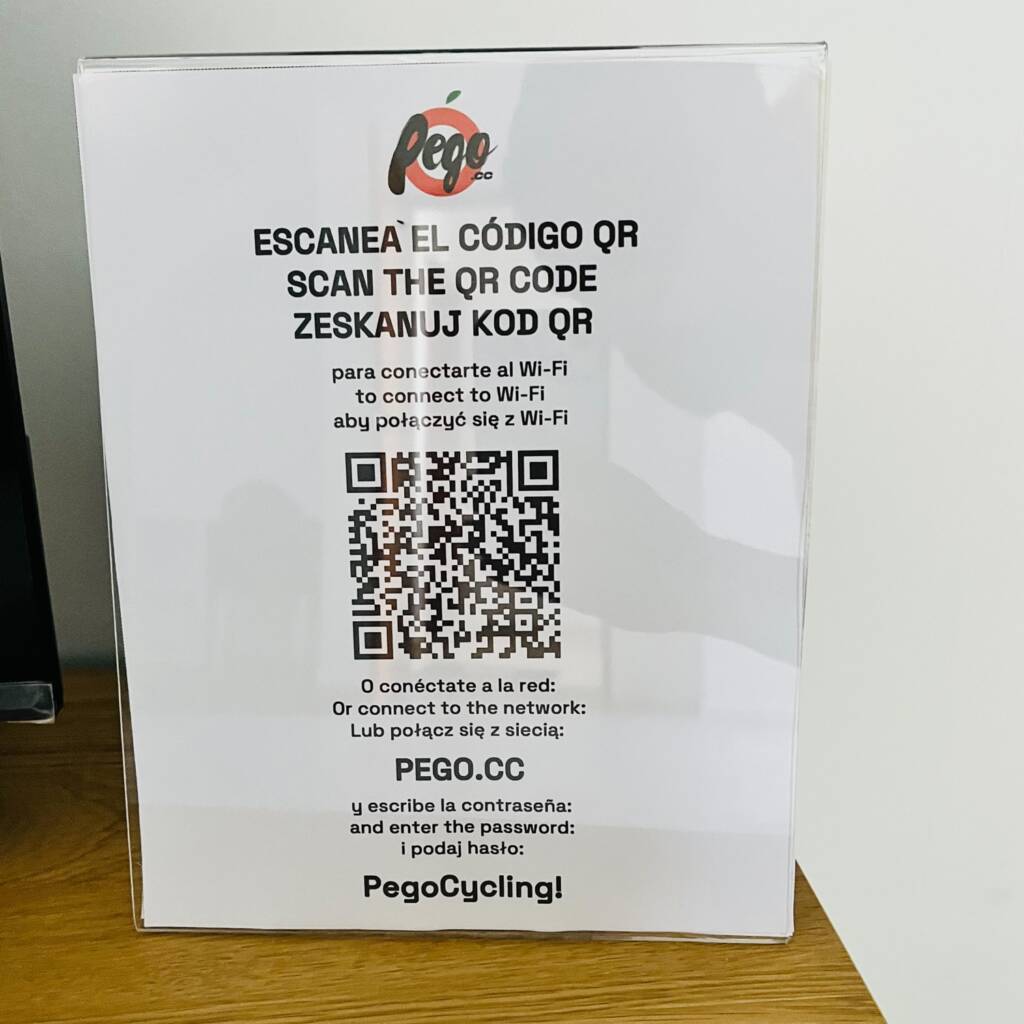
In the apartment there is a badge with QR code to connect to the “PEGO.CC” Wi-Fi network. Jeżeli wystąpi problem z jego zeskanowaniem, to znajduje się tam również hasło.
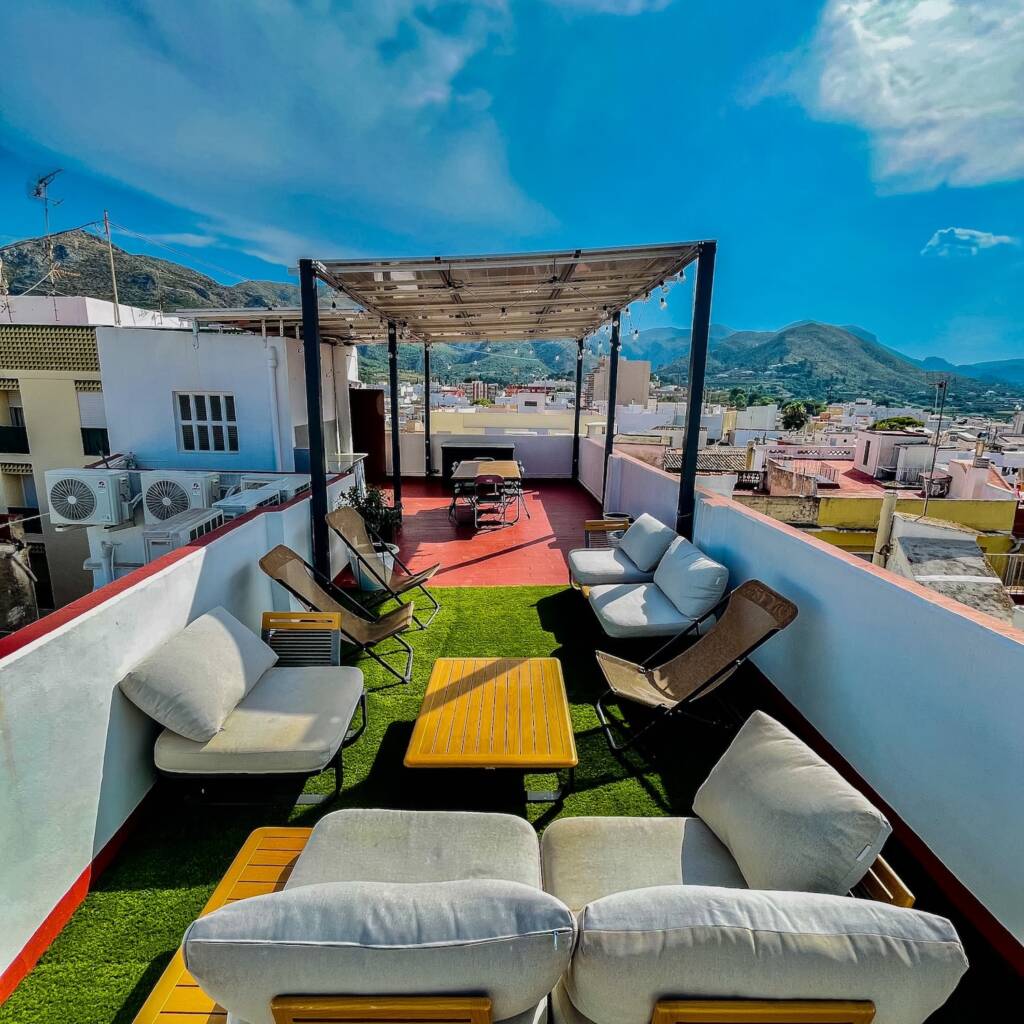
We also offer our guests a large terrace with garden furniture, located on the top floor of the building. This is a perfect place to relax, offering charming views. We encourage you to visit!
Please leave the keys in the apartment and lock the door. Unless otherwise arranged, check-out must be done by 11:00 am
If you have any questions or problems, please contact us via WhatsApp: +34 961 167 350